FiveM Appearance Menus Compared: skinchanger to fivem-appearance in 2026
Your appearance menu decides how characters look, save and break. The real differences between the big options, including the free one we build.
Disclosure up front: this comparison is written by The Orb and one of the options below is ours. It also happens to be free, so the usual "they wrote a comparison to sell you theirs" applies less than you would expect. The rest of the list gets the same honest treatment we gave the multicharacter scripts comparison.
The appearance menu is infrastructure. It decides how character looks are created, how they persist in your database, what players can and cannot wear, and how every other script from multicharacter to job uniforms reads appearance data. Swapping it later means a data migration, which is why choosing well the first time matters more here than for almost any other resource.
What an appearance menu actually does
Strip away the UI and every appearance resource does four jobs:
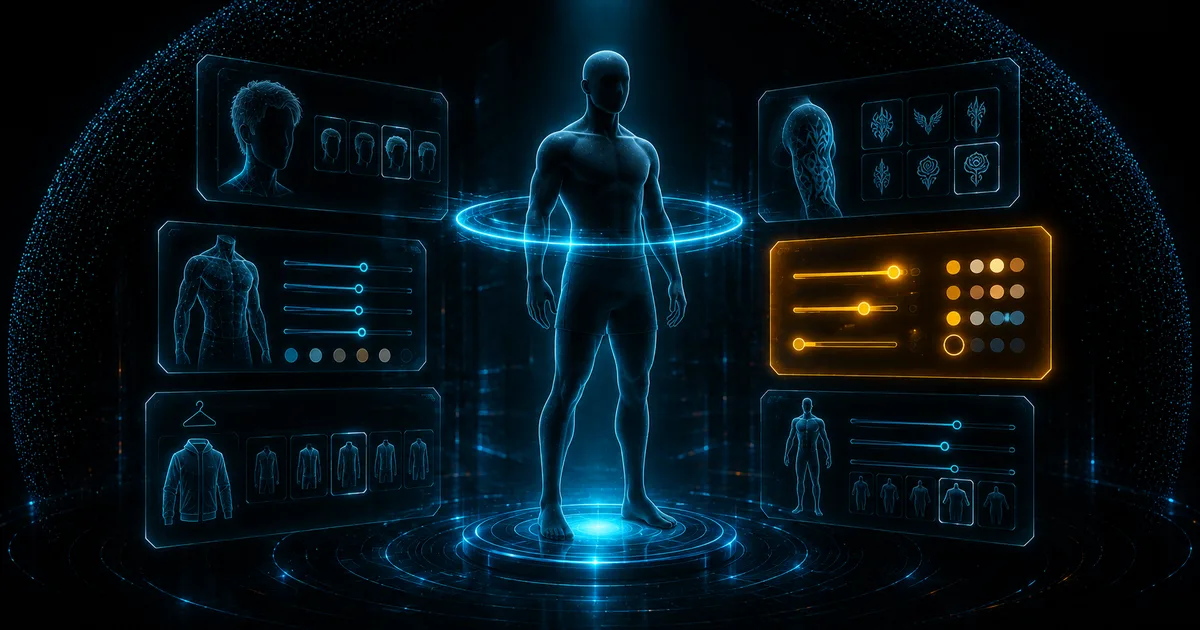
- 01Opens a customization flow over the GTA ped: head blend, face features, overlays like makeup and blemishes, the twelve clothing components, and props
- 02Writes the result to your database, keyed to a character
- 03Reapplies it on spawn, so the character looks the same every session
- 04Exposes exports and events so shops, barbers, tattoo parlors and job outfits can reuse the same flow
The differences that matter live in how each option does jobs 2 and 4, not in how pretty job 1 looks in a showcase video.
The main options
skinchanger + esx_skin. The ESX legacy pair, split between the resource that applies looks and the menu that edits them. It stores appearance as a flat table of numbered values. It works, it is everywhere, and it shows its age: no native tattoo handling, clunky shop integration, and a data format that other scripts have to reverse-engineer.
qb-clothing. The QBCore counterpart of the same generation. Tight coupling to QBCore, functional store flow, and the same fundamental limits: aging UI, partial coverage of overlays, and a save format that later resources had to build migration paths away from.
illenium-appearance. The community favorite of the QBCore era, forked from fivem-appearance with shop logic, blacklists, outfit management and theming bundled in. Actively used across thousands of servers. Its strength is completeness inside the QBCore/Qbox world; its cost is that the bundled logic assumes that world, and heavy customization means maintaining a fork of a fork.
fivem-appearance. The modern standalone base: clean NUI, JSON appearance blobs, framework-agnostic core with community glue for each framework. If you want a neutral foundation and are comfortable wiring shops and permissions yourself, this is the minimal, solid choice.
Orb Character Creator. Ours. Free, multi-framework on QBCore, ESX and Qbox with automatic detection, and built as a full creator rather than a menu skin: stores and zones with per-store item visibility, tattoos with previews, makeup palettes, blacklists and per-drawable configuration, an in-game admin panel, and localization out of the box. It reads and writes illenium-compatible appearance data, which makes it a drop-in on servers migrating from the qb-clothing or illenium lineage; the migrated-character edge cases in our changelog exist because real servers ran that migration and we fixed what surfaced.
Feature set: stores, barbers, tattoos, uniforms
Everything here is free, which is worth pausing on: appearance is one category where paying is optional at every quality level. The real cost is integration time and future migrations.
How appearance is saved
The generational divide is the data format.
The legacy pair store appearance as discrete numbered fields, which every consumer must interpret positionally. The modern resources, fivem-appearance, illenium and ours, store a JSON blob per character containing model, head blend, features, components, props, tattoos and overlays. JSON blobs survive schema evolution, travel cleanly through multicharacter systems, and let tools inspect a character's look without a decoding table.
If you are choosing today, choose the JSON lineage. If you are on the legacy format, the migration is a one-time script away, and staying costs you compatibility with each new resource that assumes the modern format.
Blacklisting, exploits and stability
Two ugly realities appearance menus must handle: some drawables crash clients when previewed, and some are used to evade roleplay identification or clip through gear. Every serious option ships a blacklist config; the differences are granularity and where it applies.
Check that your choice can restrict per drawable and per texture, not just per component, and that restrictions apply in shops as well as the creator. This matters twice as much once you install third-party clothing packs, where broken indices are common; our clothing conflicts guide covers why those indices break and how the menu's blacklist becomes the last line of defense while you fix the packs properly.
Making the call
- Established ESX server, minimal change appetite: stay on esx_skin until a migration is worth it on its own merits.
- QBCore server happy inside the ecosystem: illenium-appearance remains the safe community default.
- Standalone or custom framework: fivem-appearance as the neutral base, budget for the glue.
- Qbox, multi-framework, or migrating between any of the above: this is where ours is strongest, since illenium-compatible data plus automatic framework detection makes it the low-risk swap, and the admin panel plus store zoning are things you otherwise assemble from three resources. It costs nothing to evaluate: Orb Character Creator is free, with the same lifetime updates and Discord support as our paid scripts.
Whatever you pick, test the full loop before launch night: create, save, relog, switch character, rejoin. The handoff between appearance and multicharacter is where wrong-face bugs live, and it takes ten minutes to verify on staging.
FAQ
Can I migrate from qb-clothing or esx_skin without losing characters?
Yes. Appearance lives in your database, so migration is a data-format conversion, not a loss. The JSON-lineage resources, ours included, either read the legacy format directly or ship converters. Run it on a database copy first and spot-check a handful of characters, especially ones with tattoos and overlays.
Do appearance menus affect performance?
Only while open, if built correctly. The menu UI and its camera work run during customization and should cost nothing afterward. What does hurt is a resource reapplying appearance on a timer instead of on spawn events, which you can spot in resmon as constant background cost from the appearance resource.
Why do some clothes crash the preview?
Broken or conflicting drawable indices from clothing packs, not the menu itself. The menu is just the first thing to touch the bad index. Blacklist the offending drawables immediately, then fix the pack numbering properly using the process in our clothing conflicts guide.
Does EUP need a specific appearance menu?
No. EUP is clothing data, addressed by the same component and drawable numbers as everything else. Any modern menu can present it; what you want from the menu is per-job restriction support so uniform pieces are only available to the jobs that should wear them.