FiveM Clothing Conflicts: Why Packs Break and the Fix Order That Works
Smeared textures, invisible arms and outfits that swap on restart all trace back to how GTA numbers clothing. Here is the system, and the fix order.
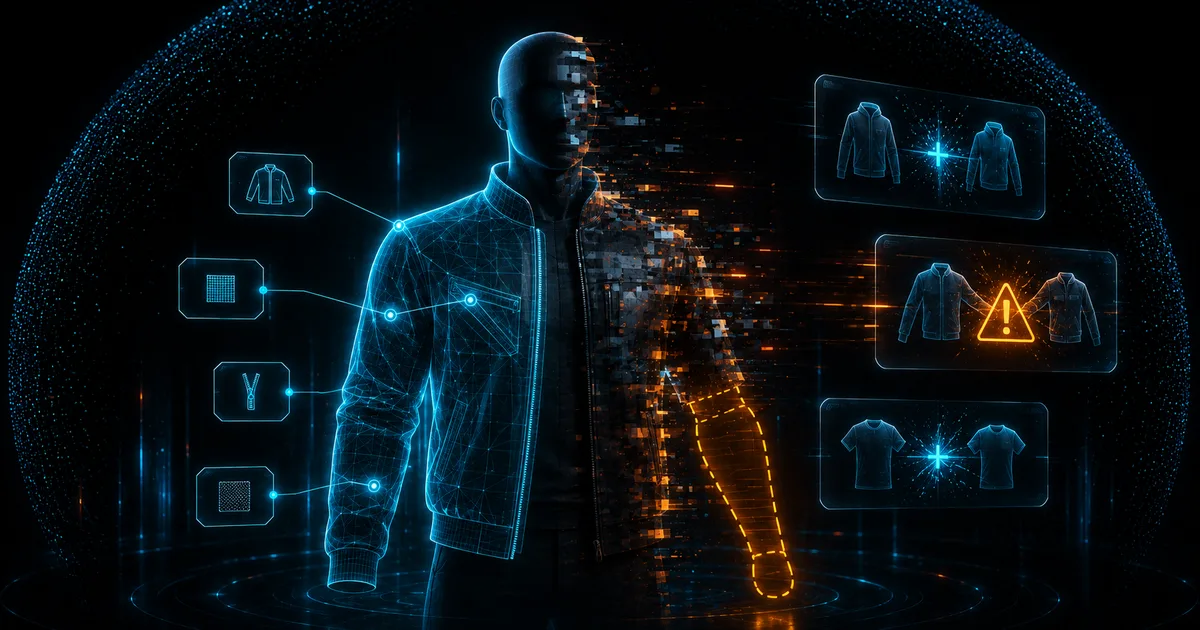
It always starts the same way. You install a second clothing pack, restart, and suddenly characters spawn with a smeared low-res shirt, pants that lost their texture, or forearms that end at the elbow. The pack worked fine on the seller's preview server, so the pack must be fine, right?
Usually both packs are fine. What broke is the numbering system underneath them, because GTA's clothing pipeline was never designed for twelve vendors adding content to the same ped at once. Once you understand how that pipeline addresses clothing, every one of these bugs becomes predictable, and fixable in a specific order.
How GTA clothing is actually addressed
Every ped outfit is assembled from component slots. There are twelve of them, numbered 0 to 11: head, beard, hair, torso, legs, bags, shoes, accessories, undershirt, body armor, decals and tops. Props like hats and glasses live in a parallel prop-slot system.
Inside each slot, a piece of clothing is identified by two numbers:
- Drawable ID: which mesh to use, stored in
.yddfiles - Texture ID: which texture variation of that mesh, stored in
.ytddictionaries
So "jacket number 14, colorway 3" is literally how the game, your database and every appearance script refer to a top. The mapping from those numbers to actual files is declared in .ymt meta files that describe, per ped model, how many drawables each component has and how they compose.
That is the whole system. There are no names, no GUIDs, no namespaces. Just slot, drawable number, texture number. Which is exactly why packs collide.
Why packs conflict
Overlapping drawable numbers. Two packs that both add "torso drawables starting at 200" are both writing to the same addresses. Whichever streams last wins, and the other pack's jackets either vanish or show the wrong mesh. Your database made it worse: saved outfits store the numbers, so when the numbers change meaning, every saved character wears different clothes than the ones they picked.
Meta file clashes. The .ymt describes the component table for a ped. Packs that ship a full replacement ymt instead of an addon-style extension overwrite each other's declarations entirely. Symptoms: whole categories of clothing disappearing, or the game reading a drawable count lower than what is streamed, which makes the tail of the list unreachable.
Per-slot ceilings. Each component has practical drawable limits. Blow past them by stacking packs and the overflow items simply do not register, or worse, wrap into corrupted indices that crash clients on preview.
If two packs conflict, deleting one does not fully fix the damage: your players' saved outfits still reference the old combined numbering. Fix the numbering first, then deal with saves, or you will chase ghost bugs for weeks.
Texture loss and the streaming budget
The smeared low-res clothing has a different cause: memory, not numbering.
Clothing textures stream through the same budget as everything else in the game. A single 4K clothing texture costs sixteen times the memory of a 1K texture, and pack authors love 4K because it looks incredible in the store screenshot. Stack three "premium 4K" packs and the streaming system starts triaging: it keeps low mips resident and never streams the full resolution in, which players see as blurry, smeared clothing. On busy streets it degrades further, because peds, vehicles and the map are fighting for the same pool.
The practical rules:
- 1K textures for most clothing, 2K only for hero items like jackets with fine detail
- Downscale bought packs with OpenIV or texture tooling if they ship 4K by default; players cannot tell the difference in motion, but the streaming budget can
- Watch total pack size: hundreds of MB of clothing per ped model is a red flag before you even test it
We covered the general streaming budget in shells versus real MLOs; clothing packs and heavy interiors drain the same pool, so a server with both problems compounds them.
Invisible arms and legs
The vanishing-limb bug looks dramatic and has the most mundane cause. Tops in GTA are split across multiple cooperating components: the visible jacket, plus a matching torso component that contains the arms cut to fit that jacket's sleeves.
When an outfit combines a jacket from one pack with a torso from another, or a pack was authored against the wrong base, the arm mesh does not match the sleeve length, and the mismatched section is simply not there. Same story for legs and shoes.
Fixes, in order of preference:
- 01Use the pack's intended combinations: good packs document which torso drawable pairs with which top
- 02Restrict invalid combinations in your appearance menu's config so players cannot select them
- 03Rebuild the outfit data for affected saves once the valid pairs are known
Add-on peds versus editing the base ped
There are two ways to ship clothing: patching the base mp_m_freemode_01 / mp_f_freemode_01 peds, or shipping an add-on ped that is a copy with its own component tables.
Editing the base ped keeps every script and outfit system working unchanged, but it is exactly where the collision problem lives, since everyone patches the same two peds. Add-on peds sidestep collisions entirely, each having a private numbering space, at the cost of compatibility: scripts that assume freemode models, from animations to appearance menus, need to know about the new ped, and shared clothing between base and addon peds is not a thing.
For most roleplay servers the answer is: stay on the base peds, manage the numbering deliberately, and reserve add-on peds for special cases like fully custom faction uniforms.
The fix order
When a server comes to us with clothing chaos, this is the sequence that untangles it without breaking saves twice:
- 01Inventory first. Open each pack in OpenIV and list which components and drawable ranges it actually occupies. Most conflicts are visible right here as overlapping ranges.
- 02Assign ranges. Give each pack a clean, non-overlapping block per component, with headroom for updates. Renumber the files and ymt entries of the packs that moved.
- 03Restart and verify counts. In-game, page through each component to the top of the range and confirm nothing wraps or crashes.
- 04Migrate saves once. With final numbers locked, run a one-time mapping over stored outfits from old numbers to new. Never do this before the numbering is final.
- 05Blacklist the leftovers. Corrupted or intentionally hidden drawables go into your appearance menu's blacklist so players cannot select them.
Do the renumbering on a staging copy of the server and database. The moment step 4 runs against production before step 2 is truly final, you get to do the whole dance twice.
Where your appearance menu fits
The clothing files define what exists; the appearance menu defines what players can reach. A good menu will not repair a broken ymt, but it prevents the two worst downstream effects: players selecting invalid combinations that crash clients, and saved outfits drifting when packs change.
That safety layer is one of the reasons we built Orb Character Creator with per-drawable configuration, blacklists and store-level visibility controls: once your packs are cleanly numbered, the menu enforces the valid space so the chaos does not creep back with the next pack you install. It is free, works on QBCore, ESX and Qbox, and pairs with the pack-management workflow above.
For picking the menu itself, our comparison of FiveM appearance menus goes through the options, and if character switching is part of your setup, the multicharacter comparison covers the other half of the identity pipeline.
FAQ
Why do outfits change after every server restart?
Load order. If packs are streamed by resources whose start order varies, whichever ymt wins the overwrite can differ per restart, shifting the numbering. Pin the resource order, or better, eliminate the overlapping declarations entirely with the fix order above.
Can I just delete the conflicting pack?
You can, but saved outfits that referenced the combined numbering will still be wrong, showing whatever now occupies those numbers. Removal is step zero; the save migration in step 4 is still needed.
Do 4K clothing textures crash clients?
Not directly. They exhaust the streaming budget, which first shows as blurry textures and rising texture-loss reports, and under sustained pressure contributes to instability on low-memory GPUs. Downscaling to 1K or 2K removes the pressure with no visible cost in gameplay.
Is EUP different from regular clothing packs?
EUP is a clothing pack like any other at the technical level, using the same components, drawables and ymt declarations, just larger than most. The same conflict rules and the same fix order apply; its size simply means it should be the first pack you assign ranges around.