DUI in FiveM: Rendering Real Browser Screens on In-Game Props
DUI puts a live Chromium page on any texture in the world, from phone screens to nightclub TVs. Powerful, and expensive if you do not manage it.
Most FiveM UI lives in one place: a fullscreen NUI overlay drawn on top of the game. It works, but it breaks the fiction. The player is not looking at a phone, they are looking at a website floating over their windshield.
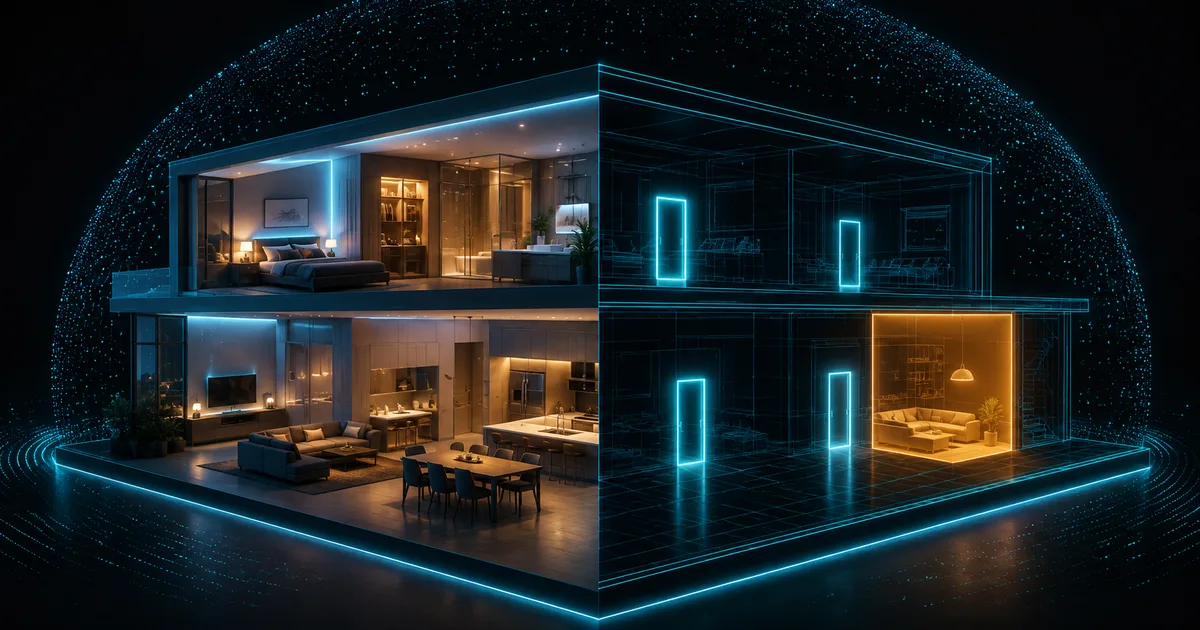
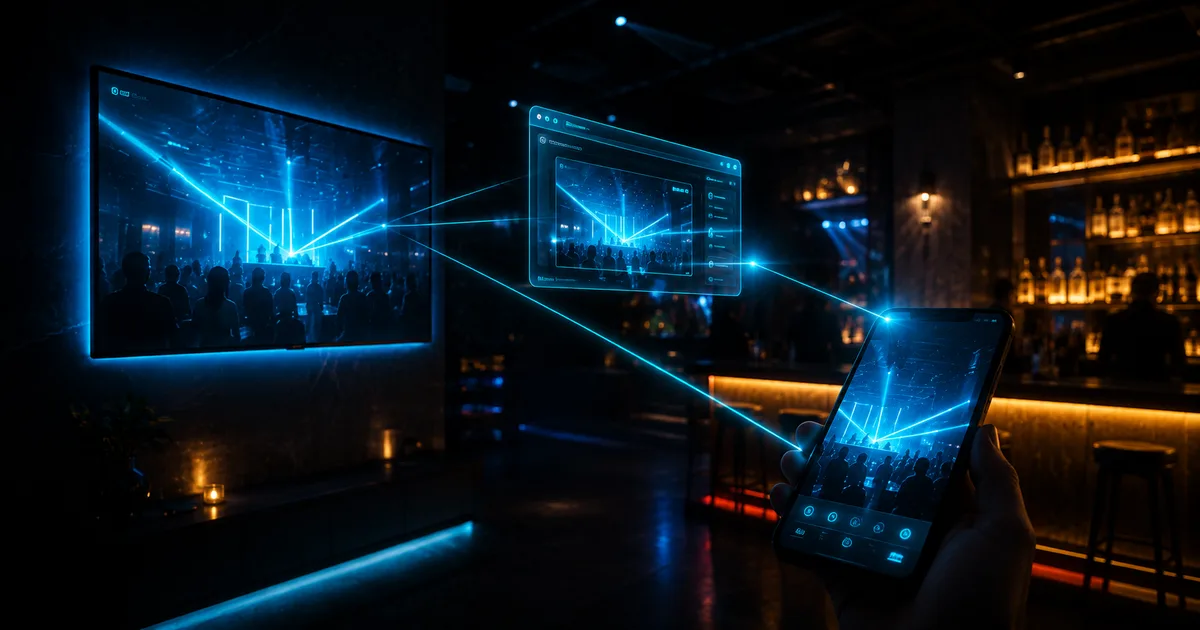
DUI is the other option. It renders a real browser page onto a texture that lives in the world: the screen of a phone prop in the player's hand, a TV above a bar, a billboard on the highway. Done right, it is the single biggest immersion upgrade a UI can get. Done carelessly, it is a memory leak generator with a Chromium instance bolted to every TV in the city.
This guide covers what DUI actually is, when it beats a fullscreen NUI, and how to keep its cost under control.
What DUI actually is
DUI stands for Direct-rendered UI. The natives are small:
-- create a browser 512x256 pixels, pointed at a page
local dui = CreateDui("https://your-page.example/tv", 512, 256)

-- the handle string used to build a runtime texture from it
local handle = GetDuiHandle(dui)

-- make a texture the game can use, inside a runtime texture dictionary
local txd = CreateRuntimeTxd("orb_tv_txd")
local tx  = CreateRuntimeTextureFromDuiHandle(txd, "orb_tv_screen", handle)

-- swap the prop's original screen texture for ours
AddReplaceTexture("prop_tv_flat_01", "script_rt_tv", "orb_tv_txd", "orb_tv_screen")
From that moment, whatever the page renders shows up on every prop_tv_flat_01 using that texture. The page is a full Chromium context: HTML, CSS, JavaScript, video, WebSockets, canvas. You update it like any web page:
-- navigate, or message the page like a NUI
SetDuiUrl(dui, "https://your-page.example/tv?channel=2")
SendDuiMessage(dui, json.encode({ type = "nowPlaying", title = "Weazel News" }))
Mouse interaction exists too, which is how in-world tablets and kiosks work: SendDuiMouseMove, SendDuiMouseDown, SendDuiMouseUp and SendDuiMouseWheel forward input you compute from the player's aim.
DUI and NUI are the same browser engine. The difference is the output target: NUI composites onto your screen, DUI renders into a texture the 3D world can use.
When DUI beats a fullscreen NUI
The screen belongs to an object. Phones, tablets, laptops, TVs, arcade cabinets, ATMs, drive-through menus. If the fiction says "this device has a screen", rendering the UI on the device sells it in a way a fullscreen overlay never will. Other players can even see the screen over your shoulder, because the texture exists in the shared world, not just on your monitor.
Many viewers, one source. A nightclub TV wall showing one stream needs exactly one DUI, whose texture every TV prop reuses. A fullscreen NUI cannot be seen by bystanders at all.
Camera freedom. NUI hides the world behind the overlay. With DUI the player keeps full camera control, walks around, and the screen stays where physics put it.
When does fullscreen NUI stay the right call? Menus, HUDs, inventories, anything that is conceptually an interface for the player rather than an object in the world. Text-heavy interaction at reading distance is also sharper as NUI, since a DUI texture inherits the prop screen's resolution and viewing angle.
What DUI really costs
Every DUI is a live Chromium render context. That means:
- RAM. Each instance carries browser overhead. A simple page costs tens of megabytes; a page playing video, considerably more.
- CPU. JavaScript, layout and paint run for every instance, whether or not anyone is looking at the texture.
- GPU upload. The rendered page uploads to a texture at the DUI's resolution every time it changes. Video means every frame.
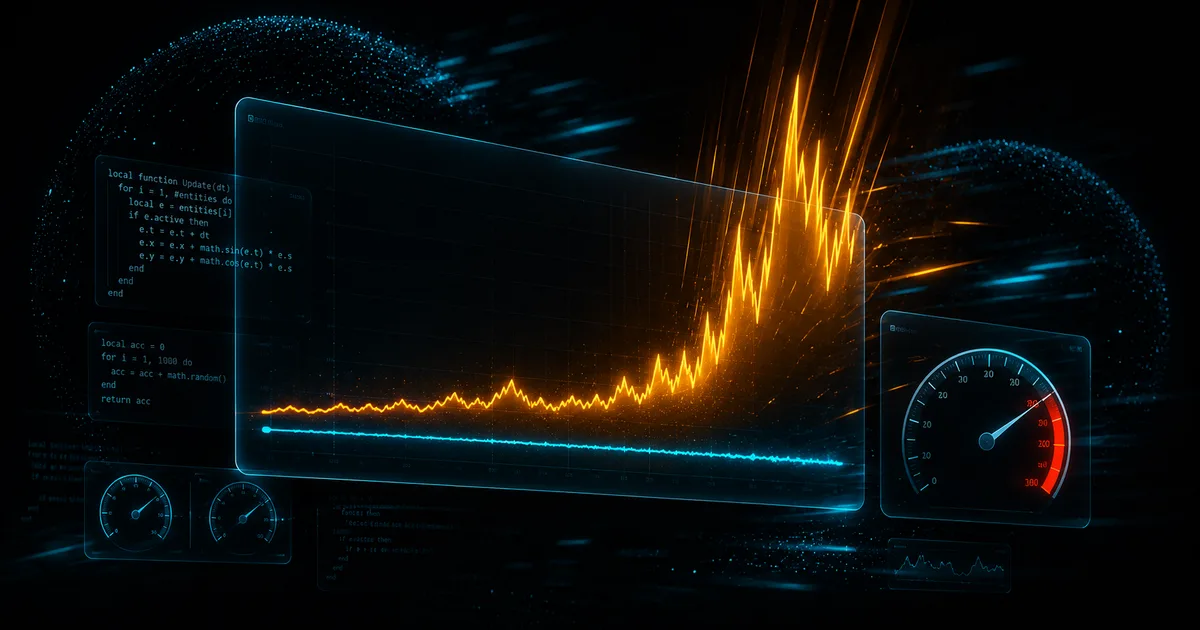
The failure mode is always the same: a well-meaning script creates one DUI per TV prop it finds, the city has forty TVs, and every client is quietly running forty browser tabs. Nobody notices on the dev server with three props. Everybody notices on launch night.
Managing DUI like a resource
Three rules keep DUI cheap.
Create on demand, destroy on idle.
local ActiveDuis = {}   -- url -> { dui, txd, lastSeen }
local MAX_DUIS = 4      -- hard ceiling per client

local function getOrCreateDui(url)
    local entry = ActiveDuis[url]
    if entry then
        entry.lastSeen = GetGameTimer()
        return entry
    end
    -- evict the oldest if at the ceiling
    local count, oldestUrl, oldestTime = 0, nil, math.huge
    for u, e in pairs(ActiveDuis) do
        count = count + 1
        if e.lastSeen < oldestTime then oldestUrl, oldestTime = u, e.lastSeen end
    end
    if count >= MAX_DUIS and oldestUrl then
        DestroyDui(ActiveDuis[oldestUrl].dui)
        ActiveDuis[oldestUrl] = nil
    end
    local dui = CreateDui(url, 512, 256)
    ActiveDuis[url] = { dui = dui, lastSeen = GetGameTimer() }
    return ActiveDuis[url]
end
Gate by distance. Only players near a screen need its DUI alive. A slow loop that checks distance to known screen locations, creates within range and destroys beyond it, turns "forty browsers" into "the one or two you can actually see".
CreateThread(function()
    while true do
        Wait(2000)  -- slow scan is plenty for screens
        local coords = GetEntityCoords(PlayerPedId())
        for _, screen in pairs(Config.Screens) do
            local near = #(coords - screen.coords) < screen.range
            if near and not screen.active then
                screen.active = true
                AttachDuiToScreen(screen)      -- create + texture swap
            elseif not near and screen.active then
                screen.active = false
                ReleaseScreen(screen)          -- DestroyDui + restore texture
            end
        end
    end
end)
Size the texture to the use. A TV viewed from four meters does not need 1920x1080. At 512x256 the page is unreadable up close but perfect at viewing distance, and it costs a quarter of the memory and upload of 1024x512. Choose per screen type, not one global resolution.
Always DestroyDui in your resource stop handler. Leaked DUI instances survive resource restarts and stack up until the client runs out of memory, which players report as "the city crashes me after a few hours".
AddEventHandler("onResourceStop", function(res)
    if res ~= GetCurrentResourceName() then return end
    for _, e in pairs(ActiveDuis) do DestroyDui(e.dui) end
end)
Where this shows up in practice
This is not theoretical for us. The Orb Phone renders its entire interface with this pipeline: the screen you see is a live page rendered onto the phone prop in the player's hand, with input forwarded to it. One managed instance, created when the phone opens, destroyed when it closes, invisible in resmon while pocketed. That architecture is why bystanders can glance at your screen during roleplay, and why the phone costs 0.00 ms when you are not using it.
The same budget thinking applies everywhere else in your city: per-frame loops and unmanaged instances are the two ways client scripts burn frametime, and we covered the loop side in why your FiveM server lags. If the props you want screens on come from heavy shell interiors, read shells versus real MLOs first, because no DUI budget survives an interior that renders everything at once.
FAQ
How many DUIs can a client run safely?
There is no hard engine limit, which is exactly the danger. Budget by content: two or three lightweight pages are fine on most hardware; video-playing DUIs should be treated as one-at-a-time. A pool with a ceiling of four covers almost every legitimate design.
Can two players see the same DUI content in sync?
Each client runs its own DUI instance, so sync is your job: point every client's page at the same source with the same state, for example a shared stream URL or a timestamped playlist position sent by the server. For TVs, sending "channel plus start time" and letting each page seek locally is the standard trick.
Why is my DUI texture black?
The usual causes in order: the page has not finished loading before the texture swap, the runtime txd or texture name does not match what the prop expects, or the target prop uses a different texture name than the one you replaced. Log IsDuiAvailable(dui) before swapping and verify the prop's texture dictionary with a resource like DrawableDumper.
Does DUI work with render targets instead of texture replacement?
Yes. Named render targets are the alternative when a prop is authored with one, using RegisterNamedRendertarget and drawing the DUI texture into it each frame with the scaleform or sprite natives. Texture replacement is simpler and covers most cases; render targets give per-instance control when different props of the same model need different content.