Store & Products
The landing page
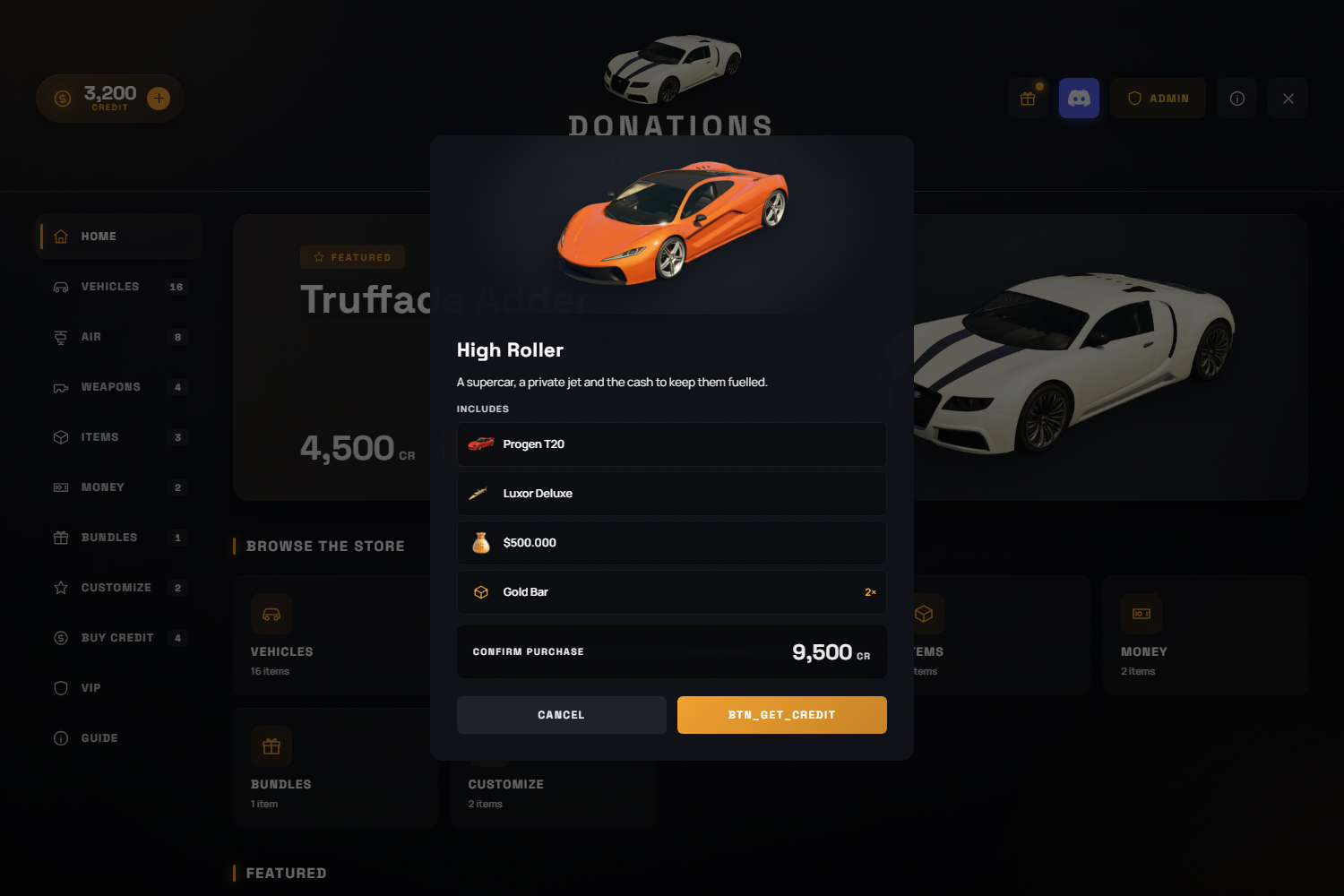
The store opens on a landing tab built from Config.Home — a hero banner, clickable category tiles and any number of product rows. Every row reads the same database catalogue the category tabs do, so anything an admin adds shows up here with no extra step.
- Hero carousel — rotates through every product an admin ticked "feature on the storefront". Arrows and dots appear once there is more than one;
intervalcontrols the slide timing (0disables auto-advance, and it pauses while the cursor is over the banner or a modal is open). Pin a single product withproduct =. - Rows —
featured,newest,cheapestorcategory. Reorder, repeat or remove them freely; an empty row is skipped rather than left as a heading. - Set
Config.Home.enabled = falseto open straight into the first category.
Product categories
Every product also takes a name, description, price, rarity (colours the card and its glow), a sort order, and two switches: visible in the store and feature on the storefront.
Vehicle stat bars are the real handling values from the GTA V Vehicle Database, normalised to 0-100 — which is why a jet's bars look nothing like a supercar's.
Redeem codes
Codes grant credit and are managed in the admin panel's Redeem-codes tab (create, set credit, total uses and an optional expiry) — or inserted directly:
INSERT INTO orb_donations_codes (code, credit) VALUES ('WELCOME2026', 500);Each player can use a code once, up to its total number of uses. Two players racing the same code produce exactly one winner — the claim only matches while a use is still available.
Drops
Drops is a limited-time discount system. Flag products as "in the drops pool" in the product editor; each roll reveals a handful of random discounts a player can use until their next roll. The cooldown, cards per roll, and min/max discount percentages are set in the Settings tab.