FiveM Livery Creator
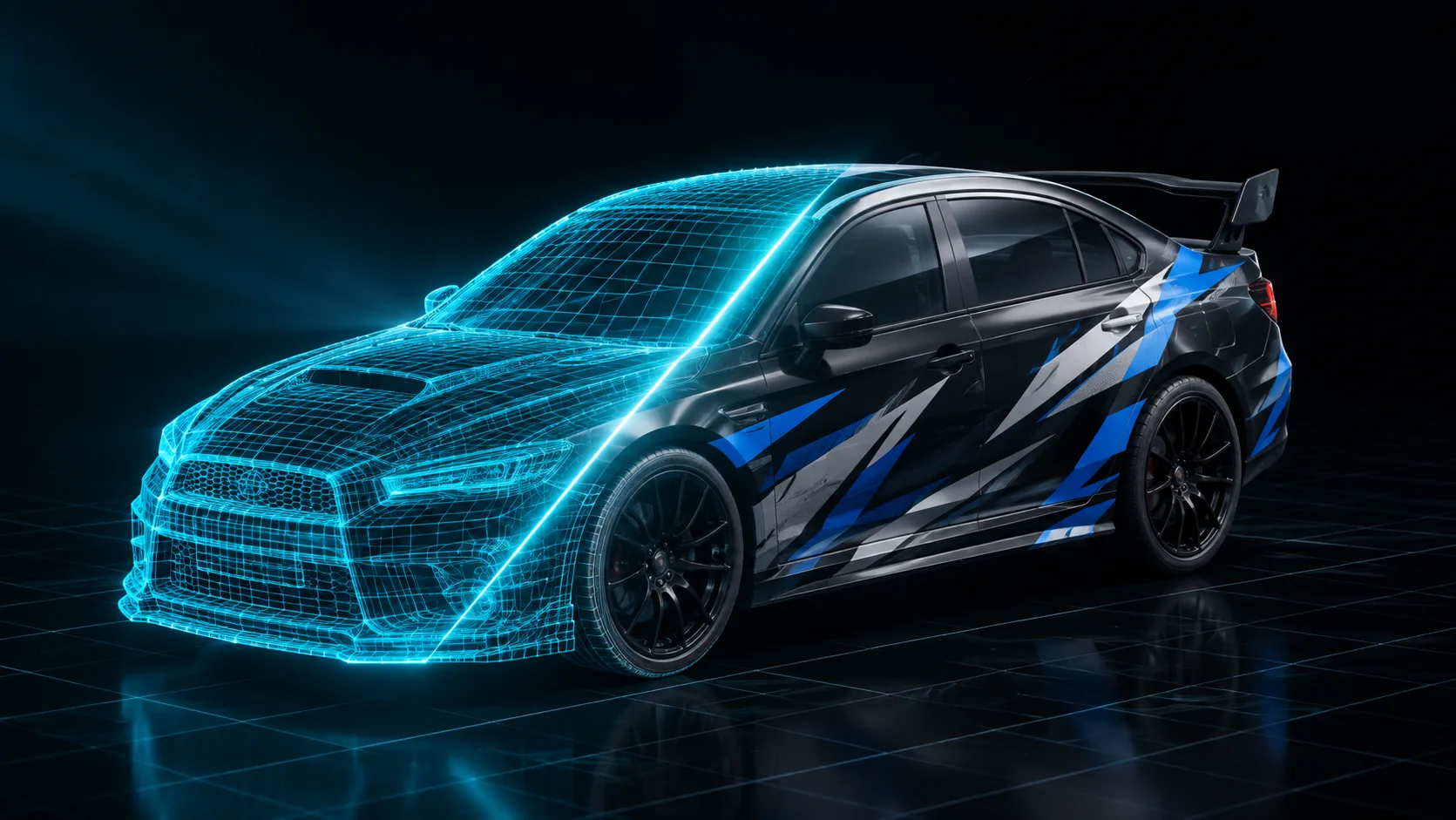
A FiveM livery is a texture the game paints over a vehicle's body through its livery slots. This browser tool builds one for any GTA V vehicle or your own .yft: design on the 3D car with text, images, shapes or video, choose which slot it replaces, and download a ready-to-install resource.
Design a livery for any vehicle in GTA V without Photoshop, OpenIV or CodeWalker. Pick one of 887 cars, bikes, planes and boats, or upload your own .yft, and paint it on the 3D car itself: stickers land where you click and read the right way on both sides, images and GIFs can wrap the whole body, and the UV sheet fills itself in. Choose whether it replaces a livery, stays on every car of that model or is added as a new option, and download a resource your server loads.
How it works
- 1
Pick a vehicle
Every car, bike, plane and boat in GTA V is in the garage, with its real livery layout and the liveries Rockstar ships with it. Or drop your own .yft, .yft.xml or resource zip.
- 2
Design on the car
Add text, images, shapes, a base colour, or a video or GIF. Drag each one across the body or click where it goes; sizes are in centimetres, and one switch mirrors it to the other side.
- 3
Choose how it goes in
Replace one of the vehicle's liveries, keep it on every car of that model, or add it as a new option in the mod shop. Vehicles with no livery in the game get one built into the model.
- 4
Download the resource
A folder you drop into resources/: the texture or model, the meta files it needs, a client script and a command that spawns the car wearing the livery.
Features
887 vehicles, real layouts
The garage is taken from the game itself: each vehicle's body, wheels and livery UV layout, the liveries it already has, and a photo. 829 of them can take a livery, including 281 the game never gave one.
Stickers projected, not placed on a UV sheet
An image is projected onto the bodywork and baked into the livery texture, so it crosses UV seams without breaking, keeps its proportions on stretched panels and reads correctly on both sides of the car.
Animated liveries
Drop a video or a GIF and the livery moves in game. It plays only while that vehicle is nearby, so it costs nothing when nobody is looking at it.
Every livery system GTA uses
Texture liveries, mod kit liveries and vehicles with no livery at all each get the method that works for them, checked in game, so the download does what the preview shows.
Why not paint a UV template in Photoshop
A GTA V livery template is a puzzle of rotated, stretched pieces. A logo that looks straight on the sheet comes out tilted, squashed or cut in half on the door, and the only way to know is to export, restart the server and look. Here you place everything on the car and the tool writes the texture, so what you see before downloading is what the server shows.
- Design on the 3D car, not on a flat template
- Replace, keep on or add as a new livery
- Static or animated with video and GIFs
- No Photoshop, no OpenIV, no CodeWalker
Free resources
Livery templates for 548 vehicles
The factory liveries of every GTA V vehicle that has them, to download as a template, each with a button that opens the car in the Vehicle Creator.
Spawn names of all 887 GTA V vehicles
Every vehicle in the game by class, with its spawn name, make, DLC pack and model hash.
Frequently asked questions
How do I add a custom livery to a FiveM car?
Pick the vehicle, design the livery on the 3D car, choose which livery slot it replaces or add it as a new one, and download the resource. Unzip it into your resources folder, ensure it in server.cfg, and use the command in its README to spawn the car with the livery on.
Does it work with vanilla GTA V cars?
Yes. The garage has all 887 vanilla vehicles. Cars that already have liveries keep them and you replace one or add yours; cars that never had a livery get the body switched to the game's livery shader so they can wear one.
Can I use my own add-on vehicle?
Yes, with any paid plan or the Pro Pass. Upload the .yft, a CodeWalker .yft.xml or the resource zip with its .ytd. The model is read on our side and shown with its own liveries, and the file is deleted as soon as it has been opened.
Can a livery be animated?
Yes. Add a video or a GIF as a layer, on one spot or across the whole car. The export records the full livery as a looping video that plays in game as the livery texture while the vehicle is near a player.
Does this work on ESX and QBCore?
Yes. A livery is a server resource, not a framework feature. Garages and mod shops that pick liveries show the new one, and the README gives the exact native to set it from a script.
Does it replace any Rockstar files?
For vehicles that already have liveries, the resource carries only your design and a script that draws it where the original went. Vehicles that never had a livery need their model replaced, and the README says so.
More free FiveM tools
FiveM Vehicle Creator
Build custom FiveM cars in your browser: parts from any GTA V car, wheels, paint, badges and a livery on a 3D preview. Download the car, spawn it with /car.
OpenFiveM Prop Generator
Generate custom 3D props for FiveM from a sentence or a reference photo. Preview the model in your browser and turn it into a drop-in prop, no Blender, no marketplace.
OpenAll FiveM tools
See the full set of free tools in THE ORB Studio.
Built by THE ORB, for FiveM servers
Start free with your Discord login: 10 exports your first month and 5 every month after. Plans make exports unlimited and add credits for AI props and ORBIE's fixes.