FiveM Mini Map Creator
A FiveM minimap mod replaces the game's map and radar so your server's map has its own look. This free browser tool paints them for you: pick a style or your own colours for the sea, coast, land and roads, rename districts, add your logo and download one resource your server streams.
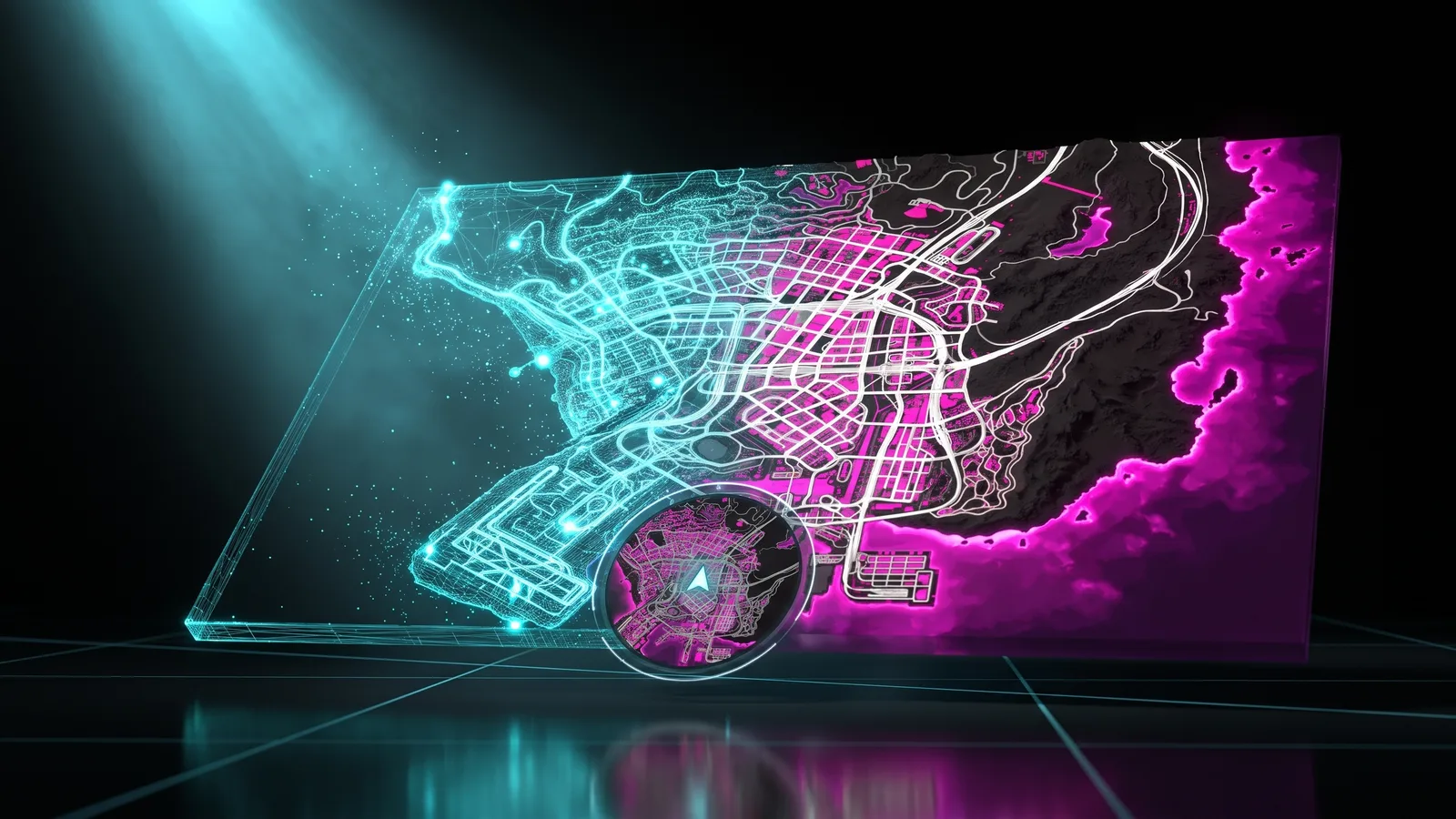
Give your city a map that looks like yours. Recolour the pause map and the minimap without Photoshop or OpenIV, starting from the game's own vector radar so streets stay crisp up close. What you see in the preview is what your players get in game.
How it works
- 1
Pick a style
Start from one of 8 ready-made styles, from Original to Neon or Blueprint, or set every layer yourself.
- 2
Paint the map
Choose colours for the open sea, the shore, land, blocks, highways and streets, add a glow along the coast and make the roads thicker.
- 3
Make it your city
Rename or hide districts, add labels in five fonts and drop your logo anywhere on the map.
- 4
Download and ensure
Choose a round or square minimap and the pause menu colour, download the resource, put it in resources and add ensure to server.cfg.
Features
Sharp up close
The minimap is coloured from the game's vector radar, so streets and blocks stay crisp when players zoom in.
A sea with a glowing coast
Set how strong the glow is and how far it reaches out to sea, plus a line that follows the coastline.
Your names and your logo
Rename or hide any district, write your own labels and place PNG logos with a transparent background.
Menu and GPS in your colours
Pick the pause menu colour and the GPS route colour, and show your server's name in the menu.
Why not edit the map textures by hand
The usual way means pulling the minimap .ytd files out with OpenIV, repainting huge images in Photoshop, packing them back and then finding out in game that the minimap up close still has the old colours, because it is drawn from a separate radar. Here both parts are done together and packed into one resource.
- No OpenIV or Photoshop
- Map and minimap in one go
- Every change previewed live
- Send it straight to your server with ORB Core
Frequently asked questions
How do I change the minimap in FiveM?
Design it here, download the resource and put it in your server's resources folder with an ensure line in server.cfg. If you already run another map or minimap resource, turn it off so they don't overlap.
Is the Mini Map Creator free?
Yes. Sign in with Discord and join THE ORB Discord to download. Building the map doesn't cost credits.
Will it change my HUD's minimap?
Pick "Keep mine" as the minimap shape and the resource leaves its shape and position alone, so your HUD keeps setting them.
Can I put my server's logo on the map?
Yes. Upload a PNG, ideally with a transparent background, and drag it where you want it. Logos and labels show on the big map; the sharp minimap shows the game's streets in your colours.
More free FiveM tools
FiveM Loading Screen Creator
Build a custom FiveM loading screen in your browser. Video background, music, progress bar and tips, then export a ready resource. Free to try with Discord.
OpenFiveM Vehicle Creator
Build custom FiveM cars in your browser: parts from any GTA V car, wheels, paint, badges and a livery on a 3D preview. Download the car, spawn it with /car.
OpenAll FiveM tools
See the full set of free tools in THE ORB Studio.
Built by THE ORB, for FiveM servers
Scans and searches are free with your Discord login, with no limit. Plans add credits for ORBIE's fixes and AI props, and make exports unlimited in the other tools.