THE
ORB
Starting the studio
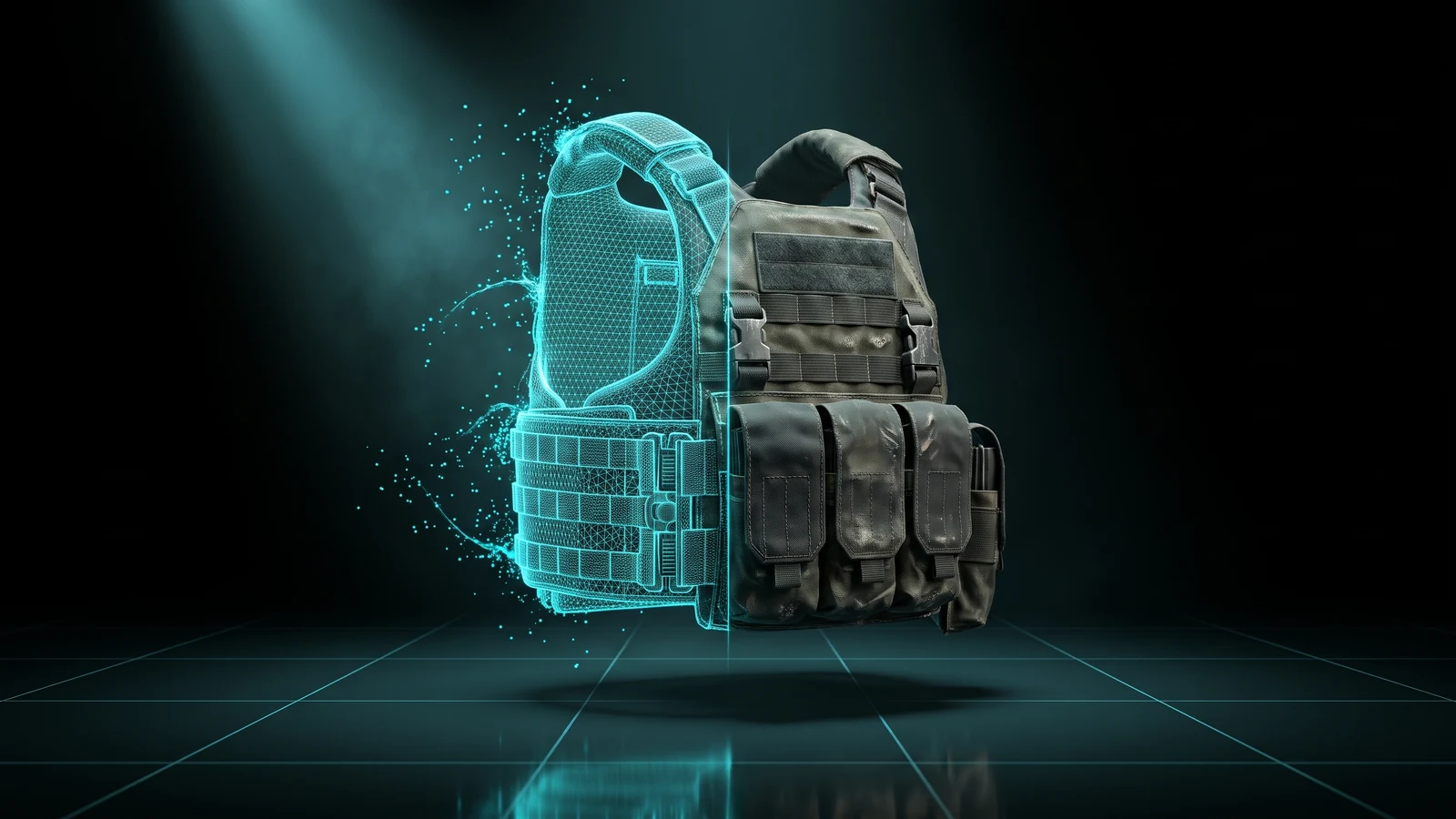
A custom FiveM vest is a texture the game draws on a vest of the freemode ped, plus, for a new item, its own metadata. This browser tool lets you pick a GTA V vest, see it on the body, add logos and text, and download a resource for your server.
Give your police, EMS or gangs a vest that is theirs. Pick a vest, put your logo where it goes while you look at it on the body, and download a resource your server loads.
Choose a vest from GTA V, male or female, and the base colour you want to start from.
Add text, images, shapes or a colour. Click the vest to move each layer and turn it around to check the front and the back.
Replace a colour of that vest for the whole server, or add it as a new item that leaves the rest alone.
You get a resource with a command to try it on. Drop it in your server, or send it straight there with ORB Core.
The preview shows the vest on the freemode ped, man or woman, so you can judge size and position before you export.
Layers land on the vest itself, not on a flat sheet. If you prefer, the UV sheet is right there too.
A layer can light up at night while the rest of the vest stays normal, which is great for reflective strips and badges.
You can also upload your own .ydd, with its .ytd files or as a resource zip, and paint it the same way, on any plan.
By hand you open a texture sheet, guess where the chest ends up, pack it, restart the server and look. Here you see the result while you work, and the resource comes out ready.
Design it here, download the resource, put it in your resources folder and add ensure to server.cfg. The included command puts the vest on you so you can check it.
Yes. Put the department name, badge or stripes on any vest from the game, in the colours you use.
Only if you choose that. Replace changes one colour of that vest for everyone, and a new item appears at the end of the clothing menu without touching anything else.
Yes, on any plan, Free included. Upload a .ydd with its .ytd files or the resource zip, and it stays saved in your browser.
Design FiveM clothing on a 3D ped: any GTA V garment, male or female, with your logos, text and colours, then download a resource. Uniforms too. Free to try.
OpenCreate custom FiveM peds in your browser: turn a photo into a rigged character with AI, rig your own .glb, or dress the freemode ped. Download the add-on ped resource.
OpenSee the full set of free tools in THE ORB Studio.
Start free with your Discord login: 10 exports your first month and 5 every month after. Plans make exports unlimited and add credits for AI props and ORBIE's fixes.