Army Trailer livery template
FiveM · GTA V · spawn name armytanker
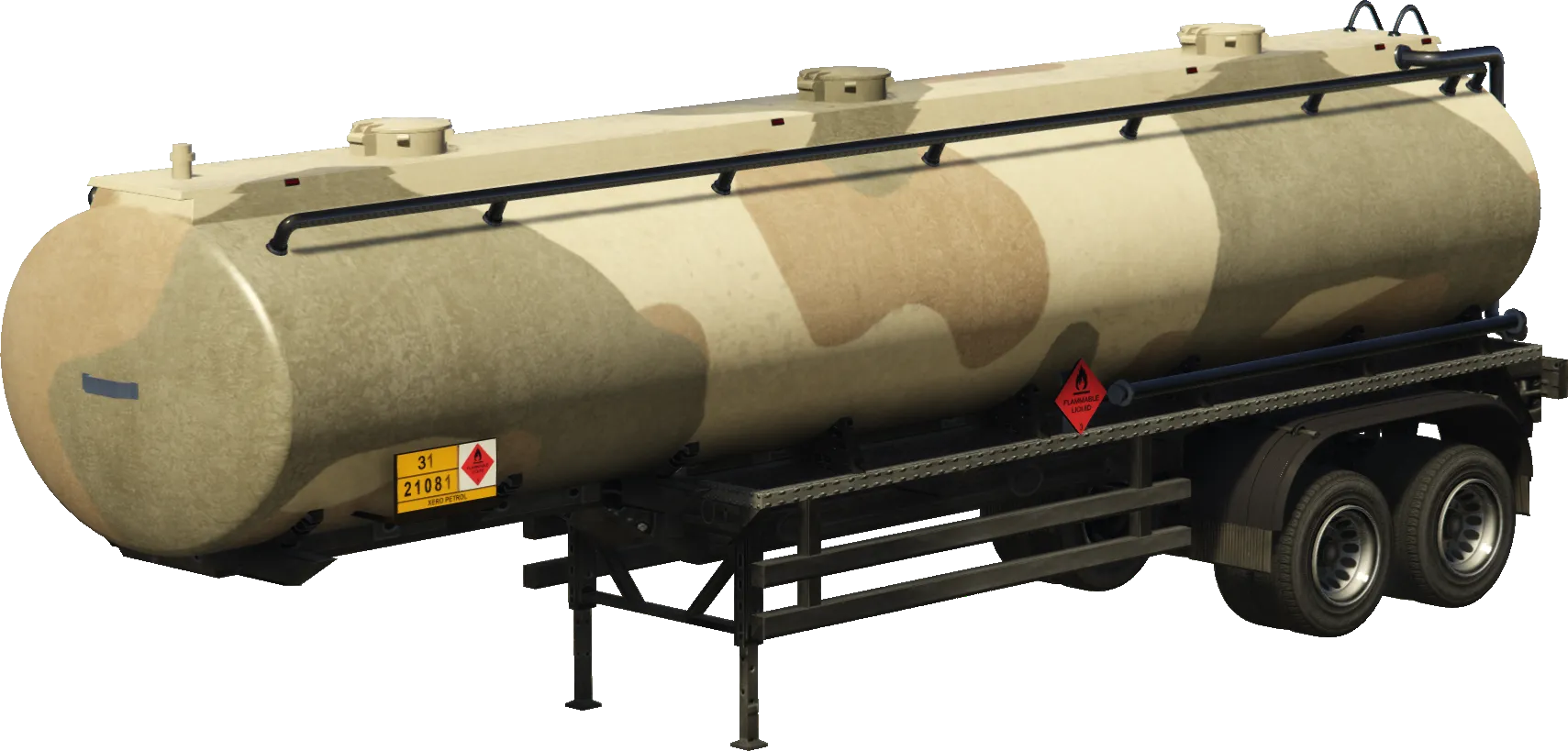
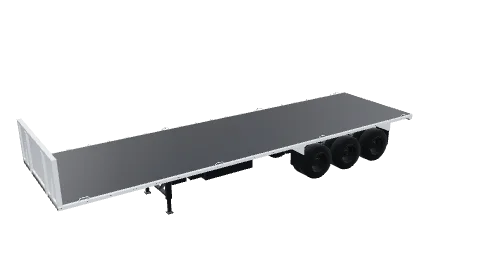
The Army Trailer is a utility vehicle in GTA V, spawn name armytanker. It ships with 1 factory livery texture. Download them below as a starting template, or design a new livery right on the car and get a resource ready for your FiveM server.
- Spawn name
- armytanker
- Class
- Utility
- DLC
- TitleUpdate
- Factory liveries
- 1 (texture)
Factory liveries (1)
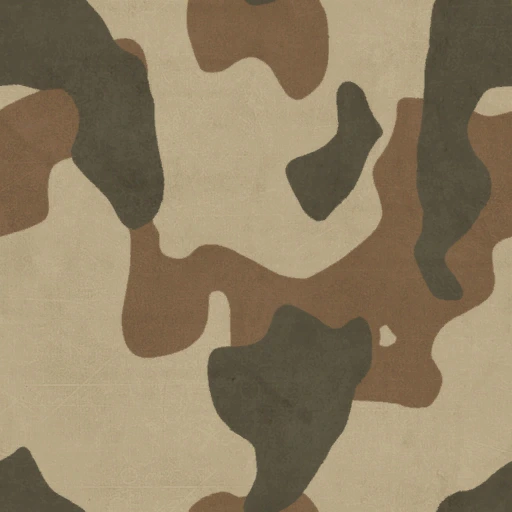
The original livery sheets of the Army Trailer. Use them as a template: they show exactly where each part of the body sits on the sheet.
How to add a custom livery to the Army Trailer in FiveM
- 1
Open the Army Trailer in the Vehicle Creator
Pick the Army Trailer from the garage. It loads in 3D with its real UV map.
- 2
Design the livery
Add text, images, logos and shapes right on the car, or start from one of the factory liveries above.
- 3
Export and install
Download the resource, drop it in your resources folder and add ensure to server.cfg. Or send it straight to your server with ORB Core.
FAQ
What is the spawn name of the Army Trailer?
The spawn name is armytanker. In FiveM you can spawn it with /car armytanker on most servers.
How many liveries does the Army Trailer have?
It has 1 factory livery texture. Each one is a texture in the vehicle's .ytd.
Can I add my own livery to the Army Trailer?
Yes. Your design replaces one of its factory livery textures, or goes on every Army Trailer on your server. THE ORB Studio builds the resource for you.