
Animal Creator: guide and tutorial
Make a FiveM animal with AI.
Video tutorial coming soon
Until then, the written guide below takes you through every step.
What it is
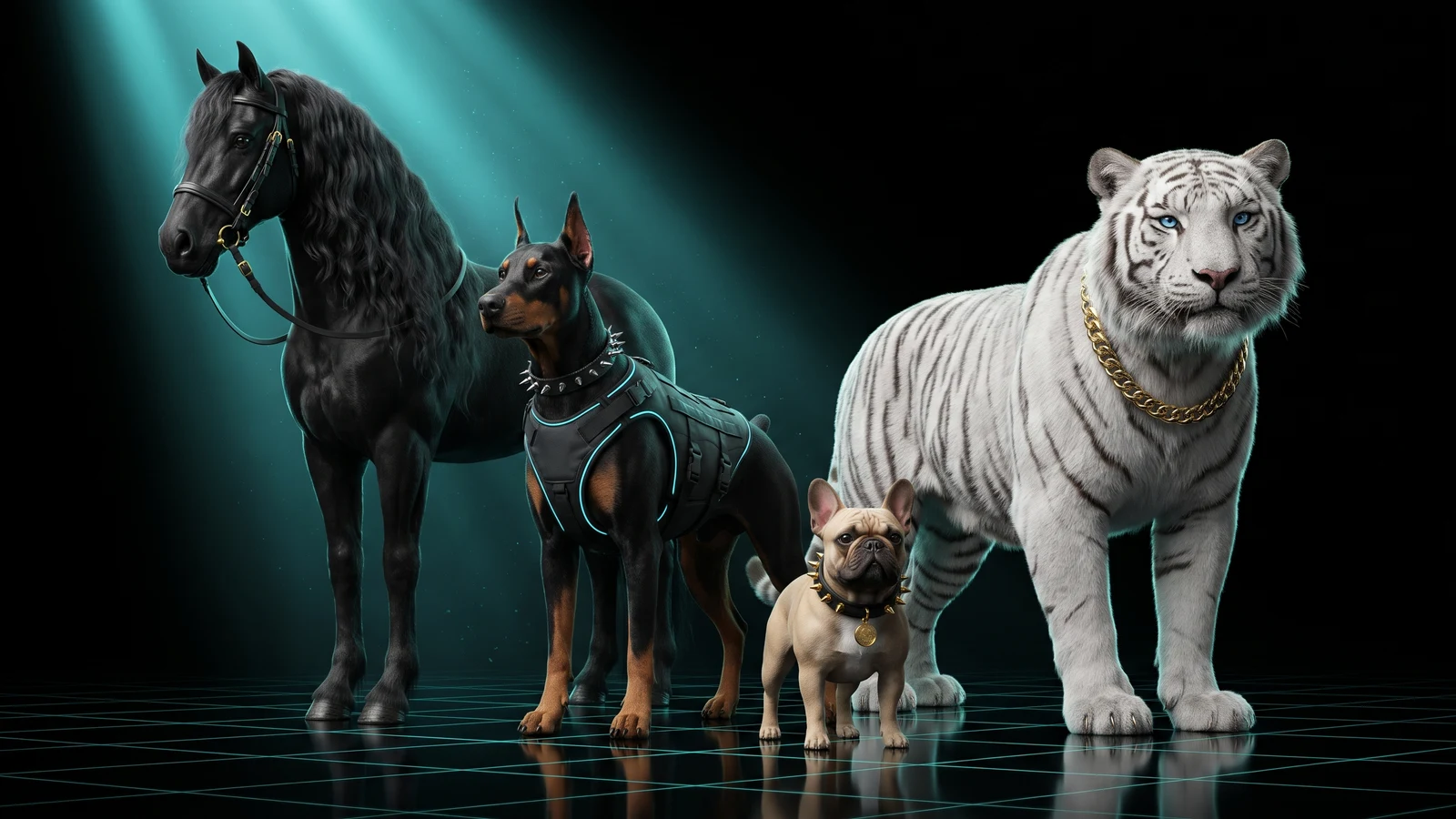
The Animal Creator makes an animal your server can spawn: a dog, a horse, a big cat, a bird, a fish and more. You start from photos or a written description (the AI builds it in 3D) or from your own .glb. The model goes onto the skeleton of a real game animal, so it walks, runs and reacts like that animal. You watch it move in your browser, then download a resource (the folder you drop into resources/) with the model, textures, skeleton, peds.meta and a pet script that lets players call it, make it follow, sit, stay and attack.
Who it's for
- Server owners who want a custom pet, a police dog, a farm animal or a mascot without Blender or CodeWalker.
- Roleplay servers that sell or give pets to players and want them to follow commands.
- Creators who already have an animal as a .glb and need it rigged to a GTA animal skeleton.
Before you start
- Sign in with Discord and be a member of THE ORB Discord server. Downloading the resource needs both.
- For the AI mode: 40 credits per animal. On the Free plan, your monthly credits only pay for exports; AI is paid with the Pro Pass, a plan or a credit pack. See pricing.
- For your own model: an animal standing still, in .glb format, with at most 65,535 vertices.
- Making a person instead? Use the Ped Creator.
Choose how to start
The tool opens with two cards: Create with AI (photos or a description) and Upload your model (your own .glb). Press Start on the one you want. Change mode, at the top of the panel, brings you back here.
On the right, Made with this tool shows sample animals. Tap one to watch it move on the game skeleton. Unlike the Ped Creator samples, these can be downloaded.
Pick the species
The species decides which game animal lends its skeleton and its moves. Under Species, tap a group first and then the species inside it. Tapping a group only shows its species; nothing changes until you tap one.
| Group | Species | Rig |
|---|---|---|
| Dogs | Dog, Rottweiler, Husky, Retriever, Coyote, Terrier, Pug, Poodle | Automatic |
| Cats | Big cat, Panther, House cat | Automatic |
| Hoofed | Horse, Deer, Cattle, Pig, Boar | Automatic |
| Small | Rabbit (automatic), Rat (by hand) | Mixed |
| Birds | Hen, Hawk, Cormorant, Crow, Pigeon, Seagull | By hand |
| Water | Fish, Shark, Hammerhead, Dolphin, Orca, Whale, Stingray | By hand |
| Primates | Chimp, Monkey | By hand |
With Create with AI you can also pick Automatic: the AI looks at the animal and picks the four-legged skeleton that suits it best (dogs, cats, hoofed animals or rabbit). Birds, fish and monkeys must be picked by hand.
Species marked by hand have no automatic rig. GTA moves them with a skeleton very different from a four-legged animal, so the tool opens the joint editor with the points scaled to your model and you place them yourself (see Fix the rig by hand). Water animals swim; they do not walk on land.
Create an animal with AI
- 1
Pick the species
Choose a species, or Automatic, as described above.
- 2
Add photos or a description
Upload up to 4 photos of the same animal (PNG, JPG or WebP). One clear photo of the whole animal, from the side if you can, works best. The first one is the main one; the others help it look alike. If part of the animal is cut off, the AI completes it. A photo from the other side or from behind is recommended so those parts come from your picture. Without photos, describe the animal in the text box.
- 3
Create it
Press Create the animal · 40 credits. It takes a few minutes. You can leave the page and come back: it picks up where it was.
The request goes to the Creating list and the form stays free, so you can start another. Up to 2 can be created at the same time. When one finishes it moves to Your animals and opens by itself if you are not looking at another one.
If the AI cannot read the photo, nothing is charged. If the generation fails later, your credits are refunded.
Put your own .glb on a game animal skeleton
- 1
Pick the species
Automatic is not available here: choose the species closest to your animal.
- 2
Upload the model
Drop your .glb in the Model box, or click it to pick the file. It should be a four-legged animal standing still, in one piece or several.
- 3
Rig it
Press Put it on the GTA skeleton. The tool places the model on the game animal's skeleton and copies the weights in your browser.
This mode does not use AI credits. A model with more than 65,535 vertices is refused: reduce it in your 3D program and try again.
Check the joints and fix the rig by hand
A new animal opens first in the joint editor so you can check it. Each point should sit on its joint. If the automatic rig looks right, press Looks good, continue. If a leg, the neck or the tail does not fit, fix it.
- 1
Start in Side view
In Side you see the whole legs and the tail. Each leg moves on its own because Symmetry starts off; turn it on if your animal stands straight.
- 2
Tap a point
A picture in the bottom right of the viewer shows where that point goes on a real animal: for example the shoulder at the top of the front leg, the hock (the point that sticks out backwards on the hind leg) or the base of the tail. Blue points are the animal's left side, orange ones the right side.
- 3
Drag it onto your model
Move the tail tip to the tip of its tail; the tail bones spread between the base and the tip. On birds you place the wing joints, on fish the fins.
- 4
Build it
Press Build with these points. Anything you did not move stays as it was. Undo (Ctrl+Z), Redo (Ctrl+Y), Reset all and Cancel are there too.
Your points are saved with the animal and it opens with them next time. In the Rig row, Auto goes back to the automatic rig.
Watch it move, change its walk and its size
Switch the viewer to See how it looks in game to watch it on the skeleton. The buttons below play its three clips: Walk, Gallop and Idle on four-legged animals, Fly on birds, Swim, Fast and Still on water animals.
- Walking style: the same animal can move like another species of the same shape, for example a dog model that walks like a horse. Switching re-rigs it on the other skeleton in a few seconds.
- Size: Small, Normal or Big scales the body and the skeleton together. The collision in the game stays the size of the game animal.
- Flip: if the head ended up at the tail end, this turns it front to back.
- Remove floating pieces: removes bits of the model that float apart from the body. Press it again to bring them back.
If less than half of the body matched the game animal, the tool warns you that it may move oddly. A clearer side photo, or fixing the joints by hand, helps.
Choose its voice and add your own sound
The Sound row has two parts.
- 1
Game voice
The sounds GTA plays by itself, like barks when it attacks or cries when it gets hurt. Its base uses the voice of the game animal it is built on. You can pick another one (big dog, cat, cougar, cow, crow and more) or None.
- 2
Your own sound
Press Upload audio and pick an mp3, ogg or wav up to 15 seconds and 2 MB. Listen plays it in your browser.
- 3
When it plays
Choose Now and then, Attacking and Getting hurt. It can always be played with a command or a key in the game. Everyone nearby hears it in 3D, louder the closer they are.
Change colours and text
On an animal made with AI, Colors & finish and Text & logo appear above the rows of the panel, the same as in the Ped Creator.
- Colors & finish: select a part with Select, Brush and Erase, then give it a colour and a finish (Matte, Satin, Glossy or Metal). You can save up to 3 colour variants plus the original.
- Text & logo: take text or a logo from a photo or an image and place it on the model. Free; Sharpen with AI costs 2 credits.
You can always go back to the original texture.
Name it, download it or send it to your server
- 1
Pick the textures
Standard · 2K is the lightest. HD · 4K + relief adds a normal map (an extra texture for surface detail, like fur or scales) for a sharper look up close. Same price.
- 2
Name it
Type the Model name. It becomes lowercase with no spaces, up to 28 characters, starting with a letter. It is also the chat command for the pet.
- 3
Download
Press Download <name>.zip. Downloading does not use credits.
- 4
Send it instead
After the first download, Send to server installs it on a server running ORB Core (a small resource that receives packs from the Studio) in
resources/[orb]/[peds]/. Connect your server sets it up once.
Share in the gallery opens the Photo Studio, which records your animal moving and takes photos. Others can see it; they cannot download it.
What you download
The download is a zip named after your animal, with one resource folder inside:
| File | What it is |
|---|---|
stream/<name>.ydd, .ytd, .yft, .ymt | The model, its textures, the game animal's skeleton and the list of pieces |
peds.meta | The animal's sheet, copied from the game animal it is built on: moves, collision, voice and behaviour |
fxmanifest.lua | Tells FiveM what the resource contains |
config.lua, client.lua, server.lua | The pet script |
sounds/custom.mp3 (or .ogg, .wav) and html/index.html | Only if you added your own sound: the audio and the hidden page that plays it |
README.txt, LEEME.txt, LEIAME.txt | Instructions in English, Spanish and Portuguese |
The pet script works without a framework (ESX, QBCore or none). In config.lua you can change who can call it, whether it is invincible, whether it shows a map blip, how close it follows and the custom sound's volume, range and key.
Install it on your server
- 1
Copy the folder
Unzip and copy the whole folder into your server's
resources/folder. - 2
Add it to server.cfg
Add
ensure <name>with your animal's name. - 3
Restart the server
Do a full restart.
refreshis not enough: the game readspeds.metaonly once, when the server starts.
ensure <name>
As a pet, type these in the game chat:
| Command | What it does |
|---|---|
/<name> | Call your pet, or put it away |
/<name> follow | It follows you |
/<name> sit | It sits or lies down, with its species' pose |
/<name> stay | It stays where it is |
/<name> attack | It attacks whoever you are aiming at |
/<name> sound | Plays your own sound, if you added one. Players can bind it to a key in Settings > Key Bindings > FiveM |
To limit who can call it, set Config.AcePermission in config.lua, for example to pets.<name>, and give that permission to a group in server.cfg:
add_ace group.vip pets.<name> allow
To play as the animal yourself: in vMenu go to Player Appearance, Spawn by name, and type its name, or use SetPlayerModel from a script as with any ped.
Common problems
The animal moves like a person, or its legs fold the wrong way
The joints are in the wrong place. Open it again, press Fix joints by hand, switch to Side view and drag the shoulder, elbow, hip and hock points onto your model. Then download again.
The head ended up at the tail end
In the Size row, press Flip. It turns the model front to back.
A stray piece floats next to the animal
In the Size row, press Remove floating pieces. Press it again if it removed something you wanted.
The pet does not appear after /<name>
Check that ensure <name> is in server.cfg and that you did a full restart. If the chat says "You are not allowed to call this pet", your group needs the permission set in Config.AcePermission. If it says "the model is not loaded (is the resource started?)", the resource is not running: check the server console for errors when it starts.
"That audio is over 2 MB" or "longer than 15 seconds"
Cut the audio to the sound itself and export it as mp3 or ogg, which are smaller. The limit is 15 seconds and 2 MB.
"Your free credits are for exports"
Creating an animal with AI costs 40 credits and, on the Free plan, the monthly credits only pay for exports. Get the Pro Pass, a plan or a credit pack on pricing, or upload your own .glb, which does not use AI credits.
Questions
Which animals work best?
Four-legged animals close to a game skeleton: dogs, cats, horses and deer, cattle, pigs, boars and rabbits. These rig on their own. Birds, fish, sea animals, rats and monkeys work too, but you place their joints by hand.
Can players ride the animal?
Nothing in the resource adds riding. The pet script calls the animal, makes it follow, sit, stay, attack and play its sound.
Can I make a horse?
Yes. Pick Horse in the Hoofed group. It uses the game deer's skeleton and moves, stretched to the size of a horse.
Does downloading cost credits?
No. Only creating an animal with AI (40 credits) and sharpening text with AI (2 credits) use credits.
Can I change the species after creating it?
Yes, with Walking style, among species of the same shape: a four-legged animal can switch to another four-legged skeleton, but it cannot become a fish or a bird.
Checked against the tool on November 15, 2026.
Try Animal Creator now
Turn a photo or a description into an animal for FiveM: it walks, runs and reacts on the skeleton of a game animal.
More guides in Characters
- Tattoo CreatorAny image, turned into a tattoo pack your shop can load.
- Animation CreatorAny animation or video, on the GTA ped, as emotes.
- Jewelry CreatorCustom chains, rings and bracelets, generated in your browser.
- Vest CreatorA vest from the game or your own, designed on the body.
- Clothing CreatorDesign clothing on the body, get a resource.
- Ped CreatorDress the FiveM ped, or make a new one with AI.


